Did you know that over 200 million Americans take at least one long-distance drive each year? Planning a stress-free adventure starts with a solid strategy. Without it, you might miss out on breathtaking views or end up stuck in traffic for hours.
Modern tools like Google Maps have revolutionized the way we plan routes. They allow you to customize your path, avoid delays, and discover hidden gems along the way. For example, a drive from the Gaspé Peninsula to Toronto can be transformed into an unforgettable experience with the right planning.
Key elements like route planning, budgeting, and packing play a crucial role. Collaboration features in apps make it easier to involve friends or family in the process. The goal is to strike a balance between efficiency and enjoying the scenic beauty of your journey.
Key Takeaways
- Strategic planning ensures a stress-free adventure.
- Modern tools like Google Maps enhance route customization.
- Real-world examples show the value of preparation.
- Focus on key elements like budgeting and packing.
- Balance efficiency with scenic enjoyment.
Why Planning Your Road Trip is Essential
A well-planned adventure can make all the difference on the open road. Without a strategy, you might miss out on stunning views or face unexpected delays. Taking the time to organize your route ensures a smoother and more enjoyable experience.

The Benefits of a Well-Planned Road Trip
Planning ahead offers several advantages. First, it helps you control costs by estimating expenses for gas, food, and accommodations. Second, it ensures safety by identifying rest stops and avoiding risky areas. Finally, it optimizes sightseeing by highlighting must-see spots along the way.
For example, Colorado’s Million Dollar Mile is a breathtaking drive, but without proper preparation, you might overlook its hidden gems. A planned route ensures you don’t miss the scenic overlooks or historic landmarks.
Common Pitfalls to Avoid
Even seasoned travelers can make mistakes. Here are five common ones to watch out for:
- Overestimating daily drive capacity: Pushing yourself too hard can lead to fatigue.
- Ignoring weather patterns: Sudden storms can disrupt your plans.
- Poor phone coverage preparation: Always have offline maps as a backup.
- Rushing through destinations: The “three days per destination” rule helps manage pace.
- Not knowing personal limits: Understand your vision at night and fatigue patterns.
By avoiding these pitfalls, you can ensure a smoother and more enjoyable journey.
Getting Started with Your Road Trip Plan
The foundation of any successful journey lies in setting realistic expectations and choosing the right stops. Whether you’re exploring scenic routes or visiting iconic landmarks, a clear plan ensures you make the most of your time on the road.
Setting Your Goals and Expectations
Start by creating SMART travel objectives—Specific, Measurable, Achievable, Relevant, and Time-bound. For example, decide how many days you’ll spend at each destination or what activities you want to prioritize. This approach helps you stay focused and avoid overpacking your itinerary.
Seasonal considerations are also crucial. Avoid monsoon routes during rainy seasons or snowy areas in winter unless you’re prepared. Research weather patterns for your chosen places to ensure a smooth experience.
Choosing Your Destinations
Use tools like Google Maps to cluster destinations efficiently. Pinning multiple stops helps visualize your route and identify nearby attractions. A helpful formula is: (Number of destinations × 3) + buffer days = ideal duration. This ensures you have enough time to explore without feeling rushed.
Pro tip: Try Furkot’s reverse itinerary feature. It optimizes your route by suggesting the best order to visit your chosen stops. This can save time and reduce backtracking, making your plan road trip more efficient.
Using Google Maps to Plan Your Route
Google Maps is a powerful tool for planning any adventure. It helps you visualize your journey, add stops, and customize your path. Whether you’re exploring a new city or driving cross-country, this app ensures you stay on track.
Creating a New Map
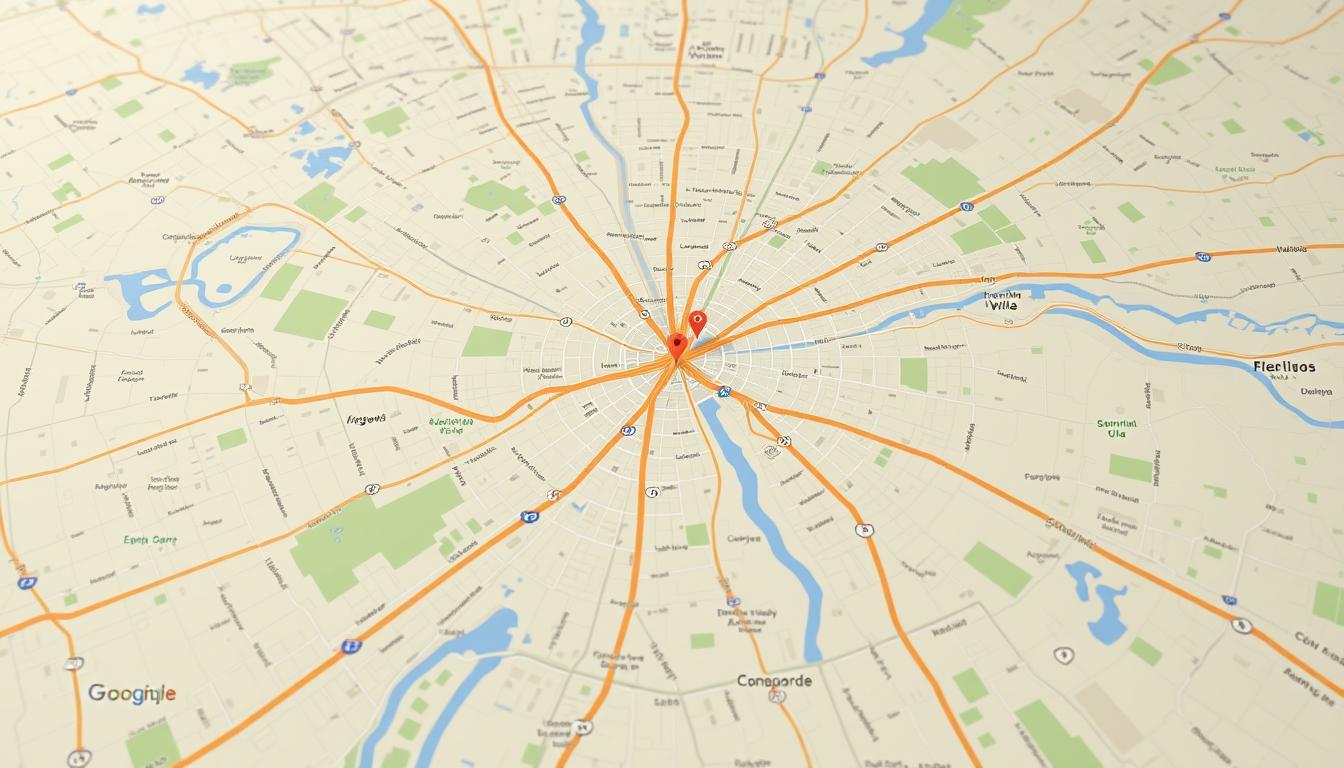
Start by opening Google Maps and clicking the search bar. Select “Your Places” and then “Maps.” Click “Create New Map” to begin. This opens a blank canvas where you can add destinations and layers.
Adding Destinations and Pins
Use the search bar to find locations. For example, if you’re visiting Iceland, search for waterfalls like Seljalandsfoss. Click “Add to map” to pin it. Customize pins with colors and labels for easy reference.
Customizing Your Route
Once pins are added, connect them by dragging the blue lines. This lets you modify your route for scenic detours. For instance, you can add a stop at a hidden viewpoint or a local café.
Google Maps also allows you to manage layers. Separate accommodation pins from attractions for better organization. A new layer can be created for each category, making your map easy to navigate.
Pro tip: Export your map as a KML file. This lets you access it offline in apps like Maps.me. It’s perfect for areas with limited internet coverage.
| Feature | Benefit |
|---|---|
| Pin Customization | Organize stops with colors and labels |
| Route Modification | Drag blue lines for scenic detours |
| Layer System | Separate accommodations and attractions |
| KML Export | Access maps offline |
Step-by-Step Directions with Google Maps
Navigating your adventure with precision starts with mastering step-by-step directions. Google Maps provides detailed guidance to ensure your drive is seamless and enjoyable. Whether you’re exploring a bustling city or a scenic coastal stretch, this tool helps you stay on track.
How to Access Step-by-Step Directions
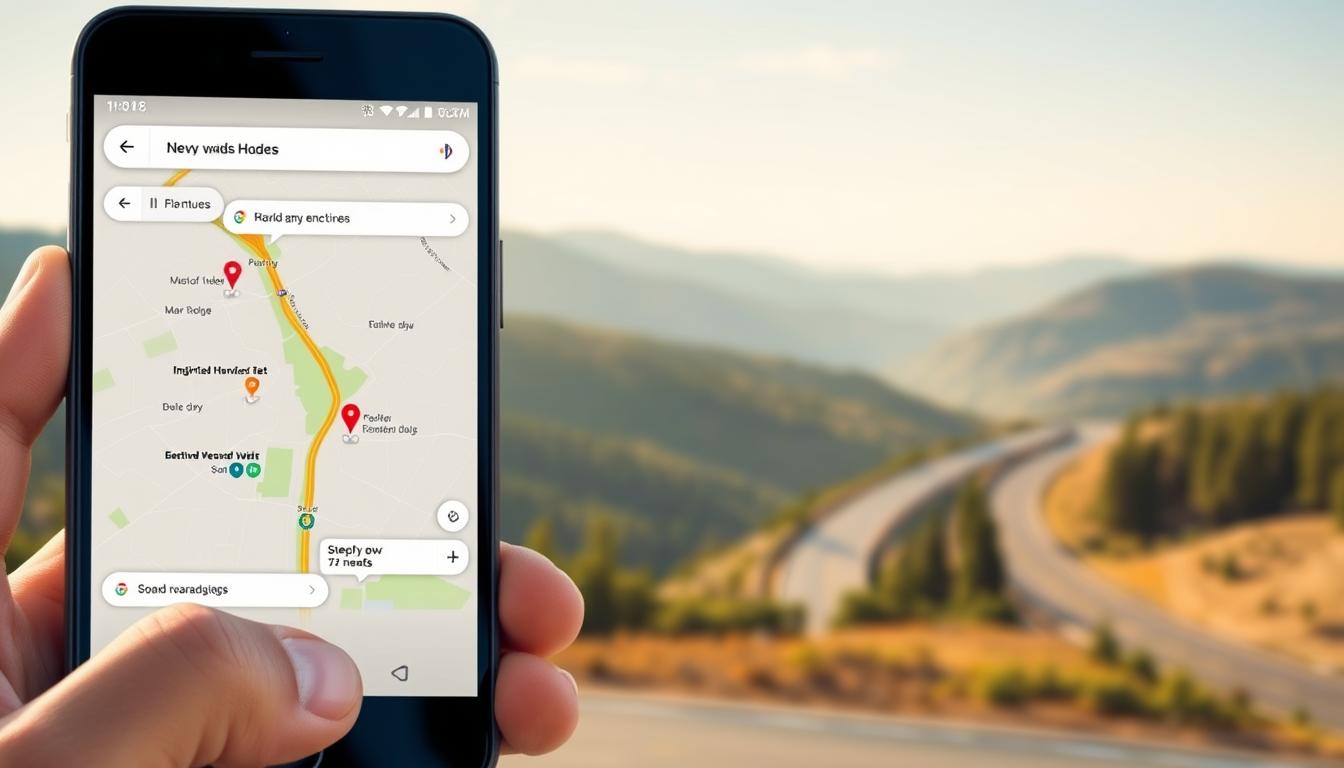
To begin, open Google Maps and enter your destination in the search bar. Click the three-dot menu in the top right corner and select “Directions.” Choose your starting point and mode of travel, such as driving or walking. The app will generate a detailed route with turn-by-turn instructions.
Pro tip: Compare driving and walking time estimates for city tours. This helps you decide the best way to explore urban areas efficiently.
Adjusting Your Route for Scenic Stops
Google Maps allows you to customize your path for scenic detours. For example, planning a coastal route from Nice to Cannes? Add stops at picturesque viewpoints or charming cafes along the way. Simply drag the blue line on the map to modify your route.
Be cautious: Modifying your path may not always update the estimated time of arrival (ETA). Use the mobile app for real-time adjustments and accurate ETAs.
| Feature | Benefit |
|---|---|
| Step-by-Step Navigation | Provides turn-by-turn instructions for a smooth drive |
| Route Customization | Add scenic stops or detours for a personalized experience |
| Real-Time Updates | Mobile app ensures accurate ETAs and adjustments |
| Icons and Labels | Organize stops with clear visual markers |
Budgeting for Your Road Trip
Creating a budget is the backbone of any successful travel experience. It ensures you can enjoy your journey without financial stress. Start by listing all potential expenses, from gas to meals, and prioritize what matters most to you.

Estimating Costs for Accommodation and Food
Accommodation and food are two of the biggest expenses. For example, staying at a campground in Yellowstone costs around $30 per night, while hotels can range from $150 to $300. Plan meals ahead to save money—packing a cooler can reduce food costs by up to 30%.
Use a dynamic budgeting formula: (Miles ÷ MPG × gas price) + daily allowances. This helps you estimate fuel costs and daily spending. Apps like GasBuddy can also help you find the cheapest gas stations along your route.
Planning for Gas and Car Maintenance
Gas and car maintenance are often overlooked but essential. Factor in toll roads, parking fees, and wear-and-tear on your vehicle. Regular maintenance checks before your trip can prevent costly breakdowns.
Here’s a quick checklist to stay on track:
- Calculate fuel costs using the formula above.
- Compare hotel and campground options for savings.
- Use GasBuddy for real-time fuel price updates.
- Account for hidden costs like tolls and parking.
- Pack a cooler for budget-friendly meals.
With these tips, you’ll have a clear financial plan for your adventure. This ensures you can focus on enjoying the journey without worrying about unexpected expenses.
Packing Essentials for Your Road Trip
Packing smart is the key to a stress-free and enjoyable adventure. Having the right items on hand ensures you’re prepared for any situation, from unexpected breakdowns to sudden weather changes. A well-organized car also makes it easier to find what you need, saving time and reducing frustration.
What to Bring for Comfort and Safety
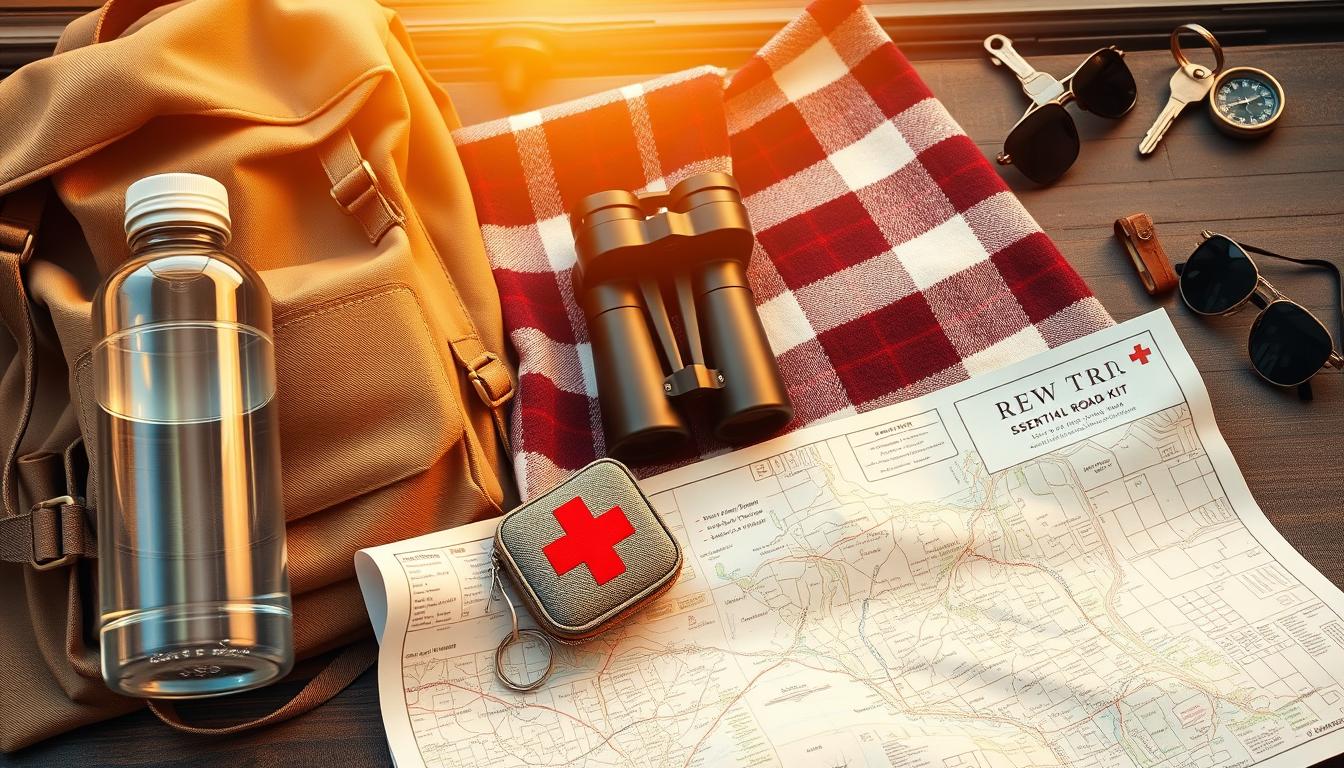
Start with a must-have safety kit. Include jumper cables, a tire repair kit, and emergency blankets. These items can be lifesavers in case of car trouble. Don’t forget a first-aid kit for minor injuries.
Tech essentials are also crucial. Bring a dual-port charger to keep devices powered and download offline maps in your app of choice. This ensures you stay connected even in areas with poor signal.
Comfort items like neck pillows can make long drives more bearable. Choose designs tailored for drivers and passengers to maximize support. Modular clothing systems are ideal for adapting to changing weather conditions.
Tips for Efficient Packing
Use packing cubes labeled by day or activity. This keeps your belongings organized and easy to access. Roll clothes instead of folding them to save space.
Plan for meals by packing a cooler with snacks and drinks. This not only saves money but also ensures you have food on hand during long stretches on the road.
Pro tip: Create a checklist to ensure you don’t forget anything. Review it a few days before your trip to make adjustments as needed.
| Category | Essential Items |
|---|---|
| Safety | Jumper cables, tire repair kit, emergency blankets |
| Tech | Dual-port charger, offline map backups |
| Comfort | Neck pillows, modular clothing |
| Organization | Packing cubes, labeled containers |
Best Apps for Road Trip Planning
The right apps can turn a simple drive into an unforgettable experience. From navigation to quirky attractions, these tools ensure your journey is smooth and enjoyable. Whether you’re exploring scenic routes or urban landscapes, having the right app can make all the difference.
Top Apps for Navigation and Entertainment
When it comes to navigation, Waze and Google Maps are top contenders. Waze excels with real-time alerts for traffic, accidents, and police sightings. Google Maps, on the other hand, offers detailed route customization and offline access. Both are essential for staying on track during your road trips.
For entertainment, Roadtrippers stands out. Its quirky attraction database includes hidden gems like roadside oddities and historic landmarks. Pair it with iExit for rest stop planning, ensuring you never miss a gas station or diner along the way.
How to Use Roadtrippers and Waze
Roadtrippers lets you create custom itineraries with ease. Start by entering your destination and adding stops along the way. The app suggests unique attractions, making it perfect for spontaneous detours. For example, you might discover a charming café or a scenic overlook you’d otherwise miss.
Waze is ideal for real-time navigation. Sync it with maps google for seamless route planning. Use its community-driven alerts to avoid traffic jams and find the fastest route. Pro tip: Layer ski resort data from Liftopia for winter adventures.
| App | Key Feature |
|---|---|
| Waze | Real-time traffic alerts |
| Google Maps | Offline access and route customization |
| Roadtrippers | Quirky attraction database |
| iExit | Rest stop planning |
Pro tip: Sync Furkot hotel bookings with Google Maps for a seamless experience. This ensures all your accommodations are marked on your route, making it easier to navigate.
Planning Your Daily Itinerary
Crafting a daily itinerary ensures you make the most of your time on the road. A well-organized schedule helps you balance driving and sightseeing, making every moment count. Whether you’re exploring national parks or scenic routes, a clear plan keeps your adventure on track.

How Many Hours to Drive Each Day
For solo drivers, it’s best to limit driving to a maximum of six hours per day. This prevents fatigue and allows time for breaks. Use the 15-minute rule: take a rest every two hours to stay alert and refreshed.
Here’s an example schedule:
- 3-hour drive in the morning.
- Lunch break at a scenic spot.
- 2-hour hike or activity in the afternoon.
- Evening drive to your next destination.
Balancing Driving and Sightseeing
To make the most of your day, plan activities around your driving schedule. Use color-coded layers in your planning app to organize activities. For example, mark paddling spots in blue and hiking trails in red. This visual system helps you balance driving and sightseeing effortlessly.
Pro tip: Arrive at national parks before 8 a.m. to avoid crowds and enjoy serene views. This hack ensures you have more time to explore without the hassle of long lines.
Sharing Your Road Trip Plan
Sharing your travel plans with friends or family can enhance your experience and ensure everyone stays on the same page. Whether you’re coordinating stops or simply keeping loved ones informed, collaboration tools make it easy to stay connected.
How to Share Your Google Map with Friends
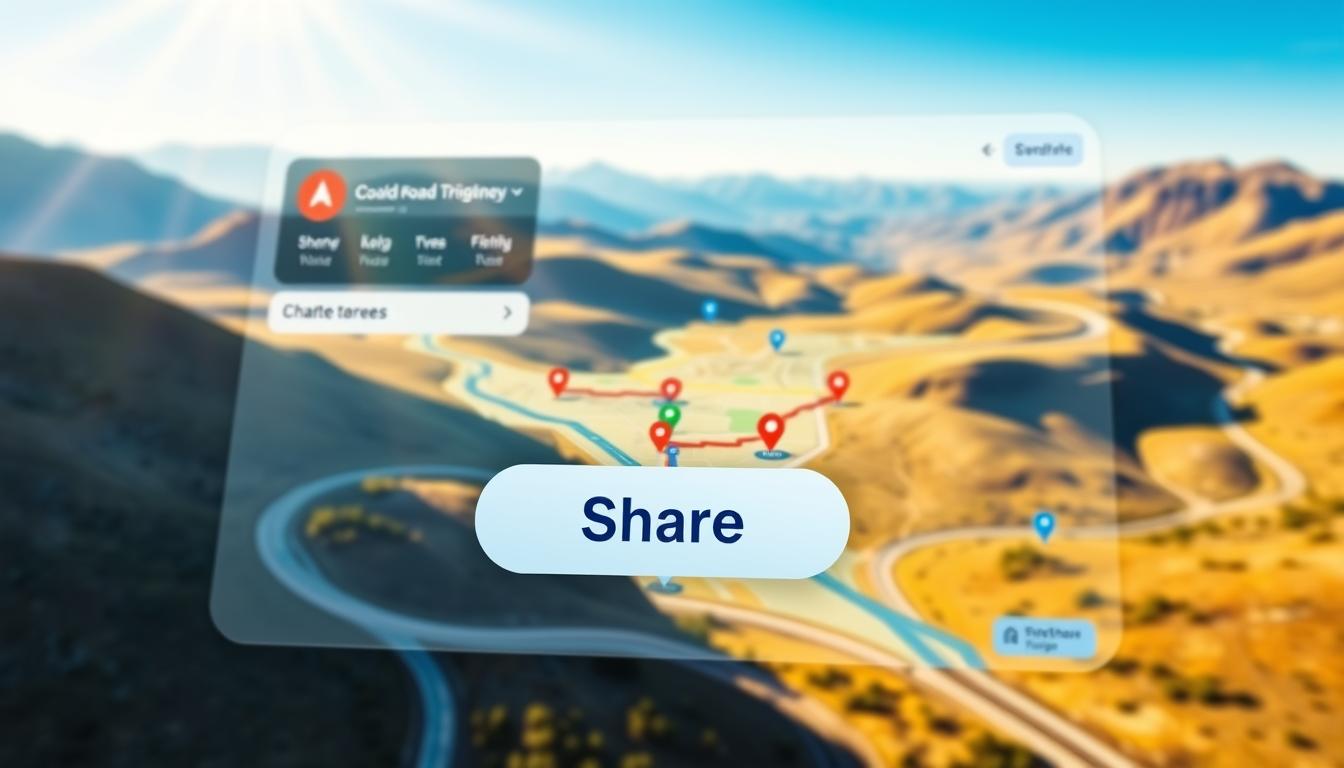
Google Maps offers a simple way to share your route. Open your map and click three dots in the top-right corner. Select “Share or embed map” to generate a link. You can then send this link via email, text, or messaging apps.
For real-time collaboration, set permission levels. Choose “View only” if you want others to see the map without making changes. Select “Edit” if you’d like them to add or modify stops. This feature is perfect for group trips where everyone contributes to the itinerary.
Collaborating on a Shared Itinerary
Collaboration doesn’t stop at sharing maps. Use Google’s real-time editing features to work on a shared itinerary. Add notes, photos, or links to attractions for a more detailed plan. This ensures everyone knows what to expect and can suggest additions.
Here’s a quick guide to make the most of shared planning:
- Set clear permission levels to avoid confusion.
- Use the comment feature to discuss specific stops.
- Sync your map with other apps like Waze for seamless navigation.
- Share your live location with emergency contacts for safety.
- Embed your map in travel blogs or websites for a professional touch.
Keep in mind that free Google accounts have a 10-user limit for shared maps. For larger groups, consider upgrading to a paid plan for unlimited access.
Tips for a Smooth Road Trip Experience
Ensuring a smooth and enjoyable adventure requires careful preparation and attention to detail. From staying safe to handling unexpected delays, these tips will help you navigate any challenges on the road.
Staying Safe on the Road
Safety should always be your top priority. Start by creating a weather contingency plan. Check forecasts for your route and have backup options in case of storms or extreme conditions.
Prepare for breakdowns by knowing your options. AAA offers comprehensive roadside assistance, while some credit cards provide similar services. Compare both to choose the best fit for your trip.
Pack a “Go Bag” with essentials like a change of clothes, toiletries, and medications. This ensures you’re ready for quick hotel changes or overnight stays.
Don’t forget to check your tire pressure regularly. Properly inflated tires improve fuel efficiency and reduce the risk of blowouts. Use a portable gauge for convenience.
Be prepared for wildlife encounters. In areas with moose or bears, keep a safe distance and know how to react. Carry bear spray if necessary.
Handling Unexpected Delays
Delays are inevitable, but preparation can minimize their impact. Always have offline maps downloaded on your phone in case of poor signal areas.
Plan for extra time in your itinerary. This buffer allows for unexpected stops or traffic without disrupting your schedule.
Keep snacks and water in your car. This ensures you stay fueled during long waits or detours.
Stay informed about road conditions. Use apps like Waze for real-time updates on accidents, construction, or closures.
Finally, maintain a positive attitude. Flexibility and patience turn delays into opportunities for spontaneous adventures.
| Tip | Benefit |
|---|---|
| Weather Plan | Prepares for storms and extreme conditions |
| Breakdown Protocol | Ensures quick assistance during emergencies |
| Go Bag | Ready for unexpected overnight stays |
| Tire Pressure Check | Improves safety and fuel efficiency |
| Wildlife Guidelines | Keeps you safe during animal encounters |
Conclusion
A successful adventure combines planning, the right tools, and a flexible mindset. These three elements ensure your journey is both enjoyable and stress-free. Tools like Google Maps make it easy to customize your route, while flexibility allows you to embrace unexpected detours.
Shared maps are more than just navigational aids—they’re keepsakes of your experiences. Save a master copy before making edits to preserve your original plan. This way, you can revisit your road trip memories years later.
Ready to start? Create your first Google My Map today. Whether it’s a weekend getaway or a cross-country expedition, the possibilities are endless. Let your next adventure begin!
FAQ
Why is planning essential for a road trip?
Planning ensures you make the most of your time, avoid common mistakes, and have a stress-free journey. It helps you stay organized and prepared for any surprises along the way.
How do I start planning my road trip?
Begin by setting clear goals and choosing your destinations. Decide what you want to see and do, and map out your route using tools like Google Maps.
Can I use Google Maps to plan my route?
Absolutely! Google Maps allows you to create a new map, add destinations, and customize your route. You can also access step-by-step directions and adjust for scenic stops.
How do I budget for a road trip?
Estimate costs for accommodation, food, gas, and car maintenance. Plan ahead to avoid overspending and ensure you have enough funds for the entire trip.
What should I pack for a road trip?
Bring essentials for comfort and safety, like snacks, water, a first-aid kit, and entertainment. Pack efficiently to save space and keep your car organized.
Are there apps to help with road trip planning?
Yes! Apps like Roadtrippers and Waze are great for navigation and entertainment. They help you find points of interest and avoid traffic delays.
How do I plan my daily itinerary?
Decide how many hours to drive each day and balance driving with sightseeing. Make sure to include breaks and time to explore your destinations.
Can I share my road trip plan with others?
Yes, you can share your Google Map with friends and collaborate on a shared itinerary. This makes it easy to coordinate and stay on the same page.
What tips can make my road trip smoother?
Stay safe by following traffic rules, handling unexpected delays calmly, and keeping your car in good condition. Flexibility and preparation are key!